Generating slides
| Section | Use cases |
| Time to complete | ~20 min |
| Model | muse-spark-1.3 |
| Language | Python |
A multimodal agent recipe. Given a topic, the model uses the Model API's built-in web search tool (tools=[{"type": "web_search"}]) to research it via the Responses API, synthesizes the findings into a structured outline, and generates a reveal.js slide deck. The model controls both content and design.
How it works
- Research: The model uses the Model API's
web_searchtool to search the web from multiple angles. The model autonomously decides what queries to run. - Outline: The model organizes the research into a structured JSON outline (slide titles, bullet points, code blocks, citations). The outline is normalized to handle key name variance across model outputs.
- Design: The model generates the full HTML presentation - structure, CSS, and content - with creative control over the visual design.
Setup
bash
Quick start
bash
The pipeline produces two files:
*_slides.html- the presentation (open in any browser, arrow keys to navigate)*_slides_stats.json- pipeline metrics: search queries, token usage, timing, sources
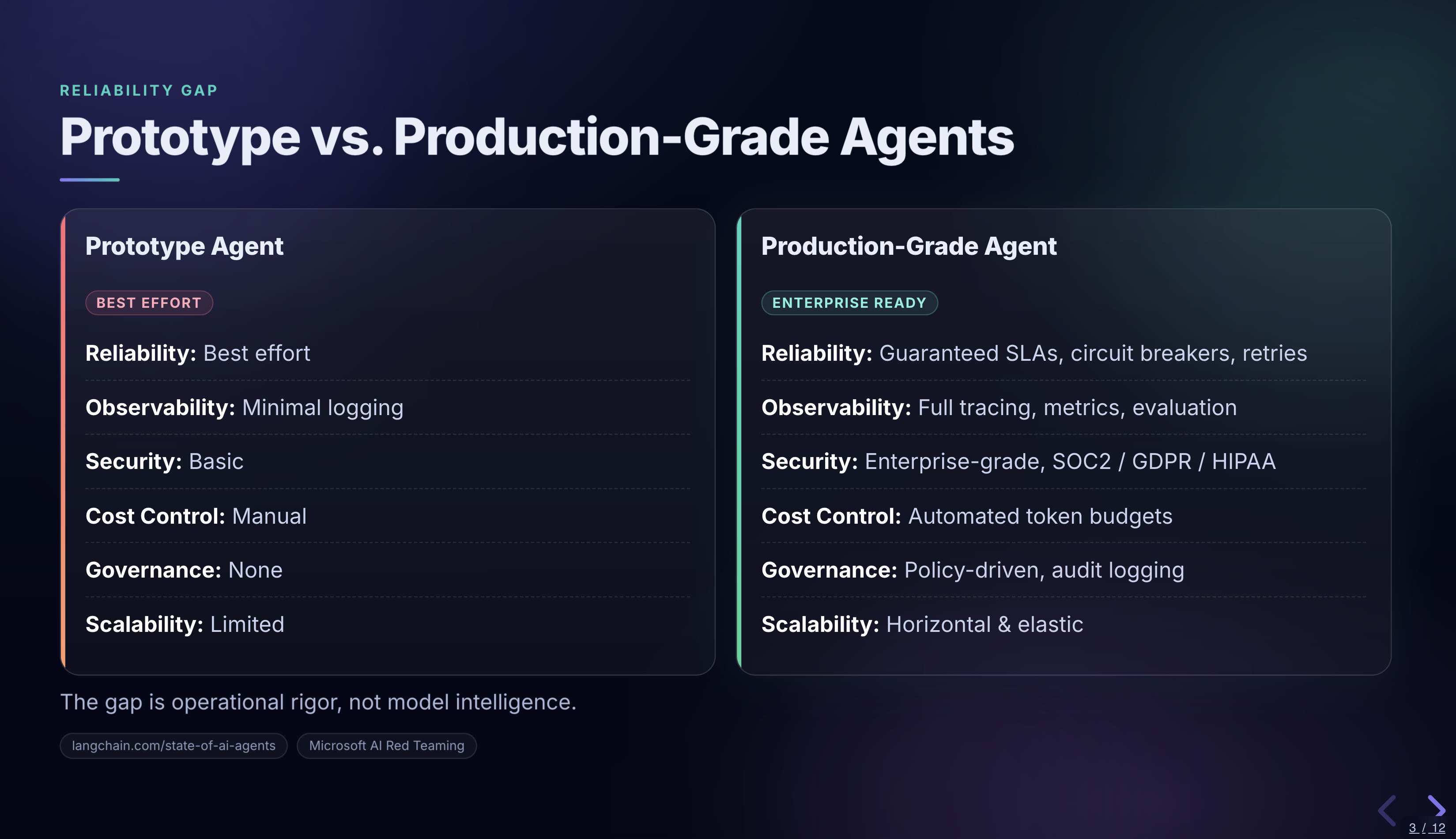
See examples/ for a pre-generated example deck, stats, and slide screenshot.
Files
| File | Purpose |
|---|---|
research_to_slides.py | Main pipeline: topic -> web search -> outline -> model-designed HTML |
requirements.txt | Python dependencies |
examples/ | Pre-generated example deck, stats, and slide screenshot |
Environment variables
MODEL_API_KEY- required for all pipeline runsMETA_MODEL- model name, defaults tomuse-spark-1.3META_BASE_URL- API endpoint, defaults tohttps://api.meta.ai/v1