Generate, edit, and compose images
| Section | Muse Image |
| Time to complete | ~15 min |
| Model | muse-image-1.0 |
| Language | Python |
| Prerequisites | Python 3.10+, the openai package, and a MODEL_API_KEY (create one in the Model API dashboard). |
Use this recipe to generate an image, refine it across Responses API turns, and add reference images. Call client.responses.create(...) with muse-image-1.0. Pass previous_response_id to refine the prior image. Add one or more input_image parts when a turn needs new references.
Images throughout are from an actual run; because the model is non-deterministic, your results will differ.
What you build
- Generate: turn 1 of a conversation. A prompt in, image bytes out.
- Refine across turns: a chained turn that carries the prior image forward with
previous_response_id, so you send only the change you want. - Steer and compose with reference images: attach
input_imageparts to guide a render, and pass several at once to fuse them into a single scene.
The recipe also shows how to locate the image_generation_call item and read usage.
How it works
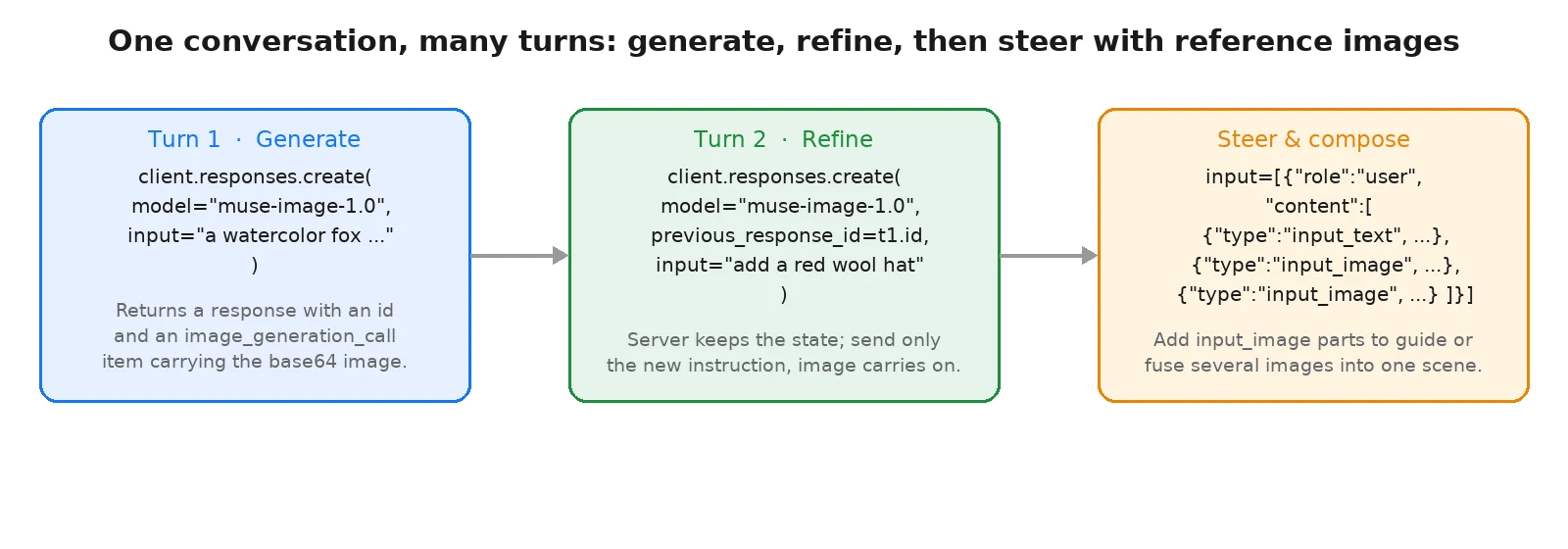
Muse Image is a separate model family from Muse Spark: it outputs images rather than text. You reach it through the Responses API, the same conversational endpoint you use for text. Each client.responses.create(...) call is one turn:
- Turn 1 takes a text
inputand returns a response with anidand astatus. - Later turns pass
previous_response_idset to the prior response'sid. The server keeps the conversation state for you, so you send only the new instruction and the image from the prior turn carries forward. - Reference images ride along as
input_imagecontent parts inside a{"role": "user", "content": [...]}message. The model draws on them to guide the render (style, subject, pose, layout) without necessarily copying them into the output. Pass several to compose them into one scene or to combine their influences. Attach only images the server does not already have: to reuse a prior render, chain withprevious_response_idrather than re-attaching it.
A completed response includes an image_generation_call item. It may also include a reasoning summary and an assistant message. Find the image by selecting the item whose type is image_generation_call, rather than relying on its position. A successful response looks like this:
json
Pull the image by finding the image_generation_call item and decoding its result. Every response also includes a usage object with the token counts for the turn.
Setup
Install the dependency and set your key:
bash
Wire up the client once. The OpenAI SDK does not auto-read MODEL_API_KEY, so pass it explicitly. Add a small helper that pulls the base64 image out of the response's output list and writes it to disk:
python
Generate an image from a prompt
The first turn takes a text input and returns a completed response. The image lands as the result on the image_generation_call item in the output list; save_image pulls it out. Keep the response around: its id is what a later turn chains from. The example below renders a watercolor fox.
python
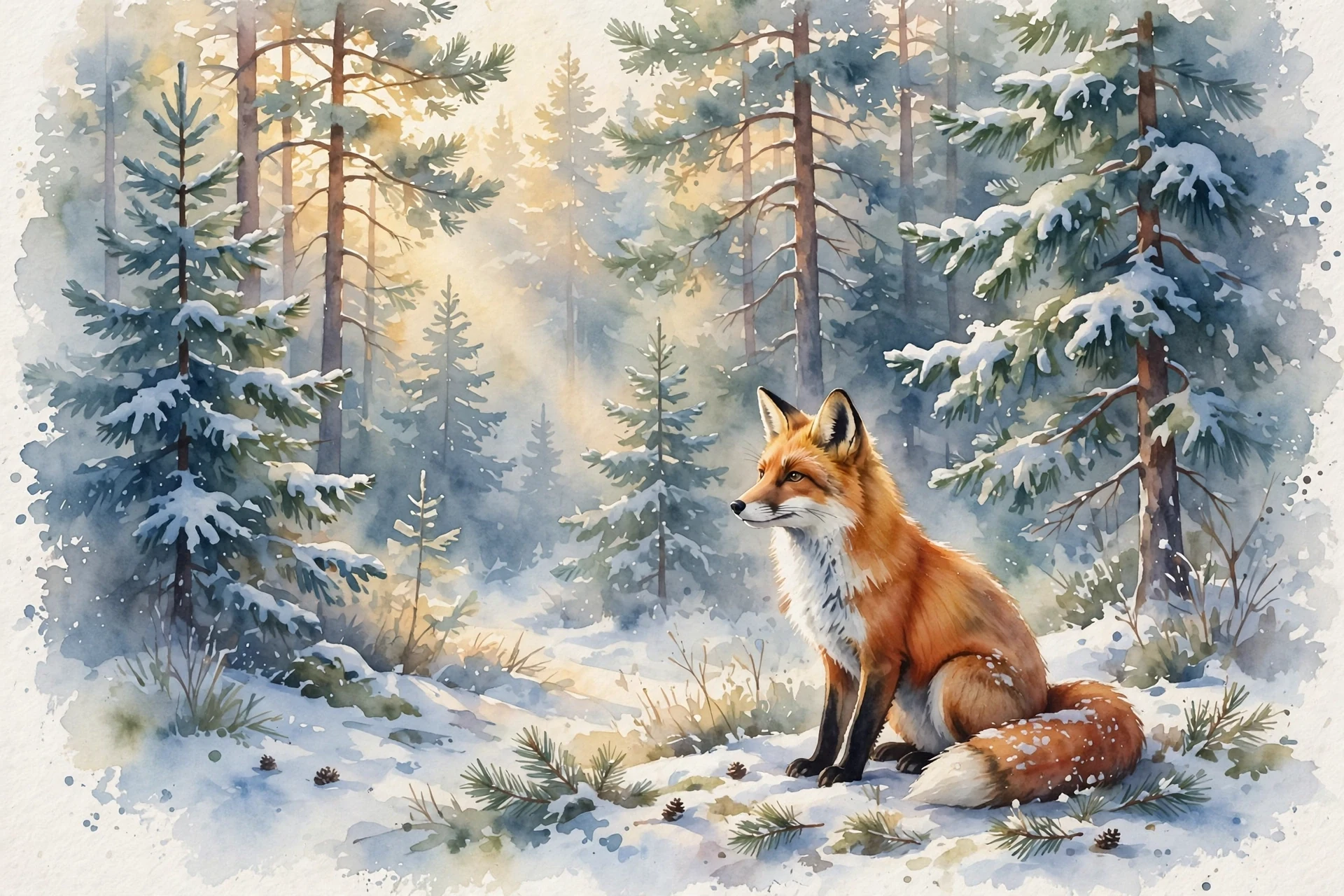
The usage object reports the tokens the turn consumed. Input tokens cover your prompt and any reference images; output tokens cover the reasoning and the generated image:
json
Refine across turns
To change an image, add a turn to the conversation. Pass previous_response_id set to the prior response's id and describe only the change. The server holds the conversation state, so you do not resend the image: the prior render carries forward and Muse Image applies your instruction to it. The example adds a red wool hat to the fox while keeping the pose and the snowy forest.
python
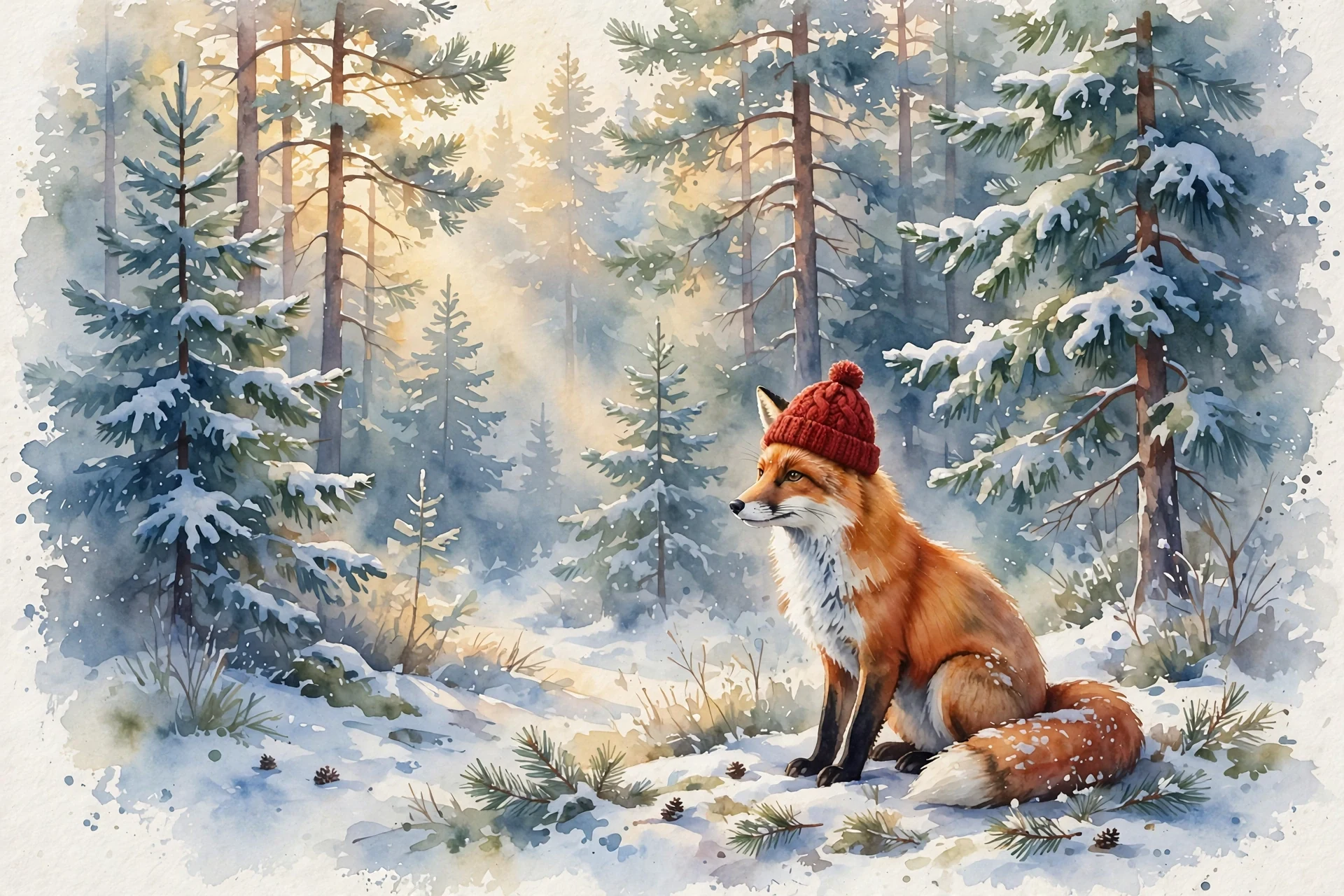
Because the prior image is on the server, the input tokens grow across a chained turn while the request body you send stays a single short instruction:
json
Steer with reference images and compose
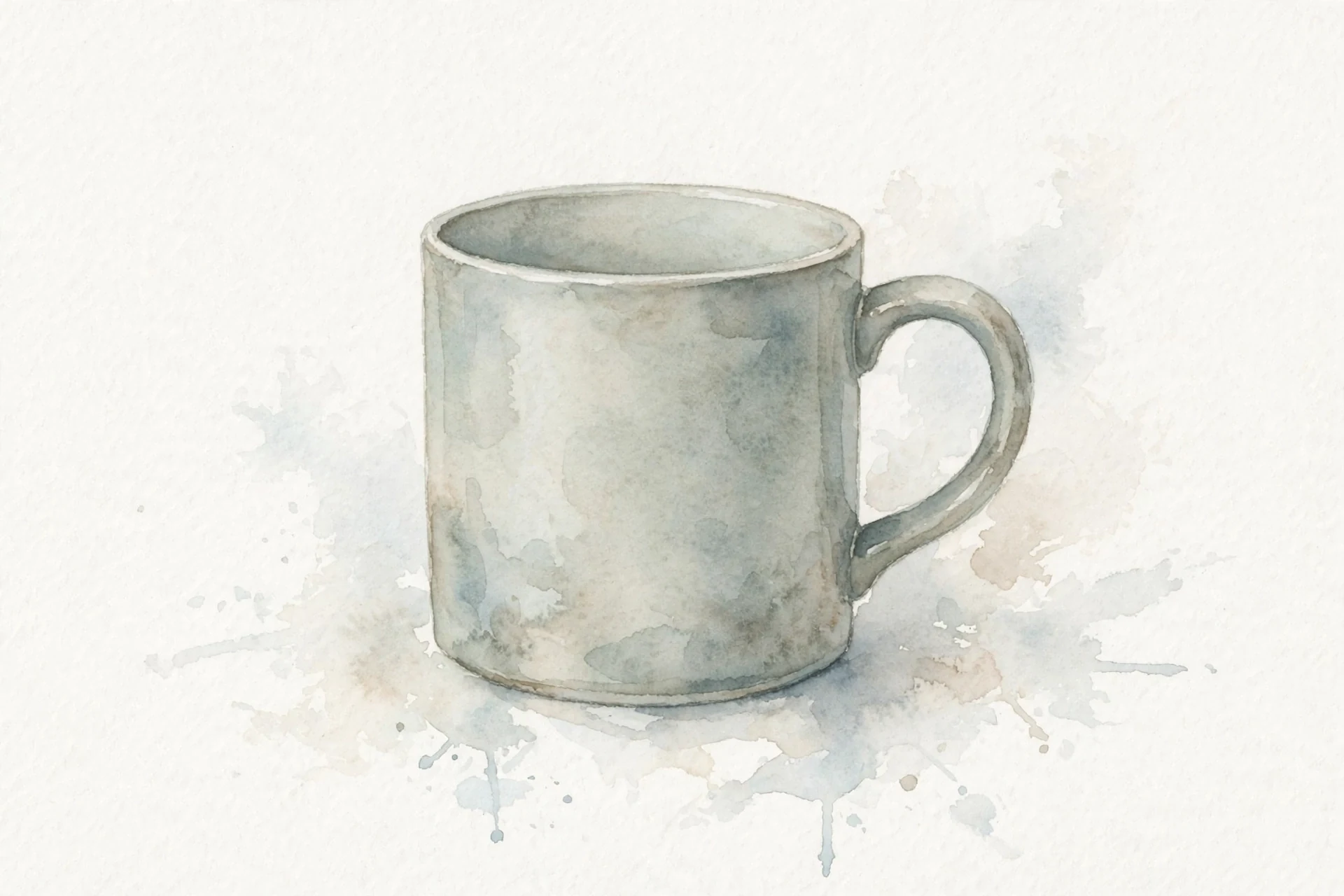
To guide a render toward images you already have, attach them as input_image content parts. The parts go inside a {"role": "user", "content": [...]} message alongside your input_text instruction. Each image_url is a public URL or a base64 data URL. Pass one reference to steer a single render, or pass several to compose them into one scene: the model fuses the subjects you supply into a single image. You only attach images the server does not already have: anything from an earlier turn is carried by the conversation. The example composes the fox, a mug, and a vase of flowers into one watercolor still life. The fox came from turn 1, so this call chains from that turn with previous_response_id and attaches only the new images, the mug and the vase.
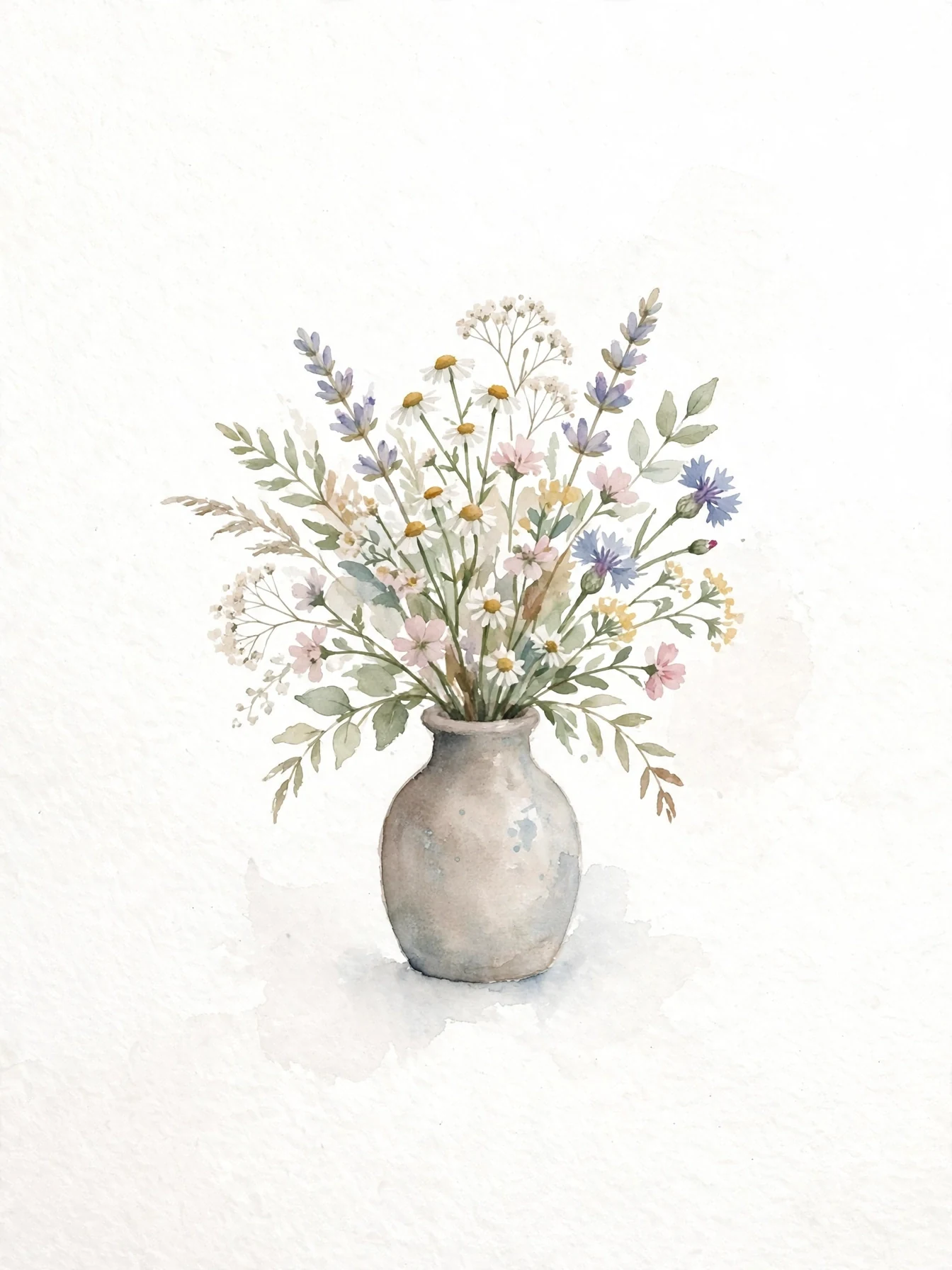
python
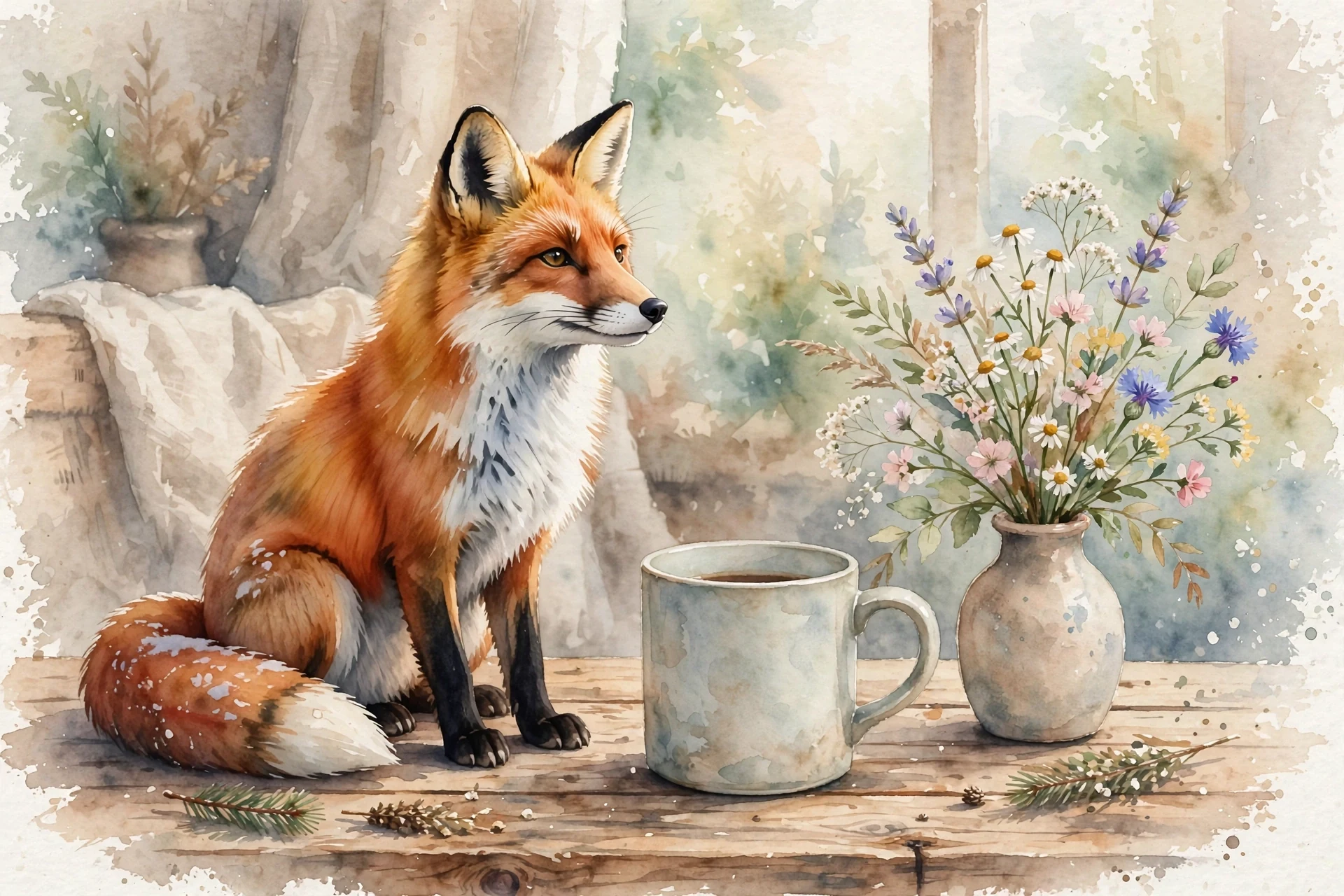
The content parts must be wrapped in a
{"role": "user", "content": [...]}message. A bare list of content parts is rejected with an HTTP 400.
The reference images push the input token count up, since each one is read as part of the turn:
json
Run without server-side state
A store parameter controls this and defaults to true, so the server stores each turn and the next one can chain from it. If you would rather not keep state on the server, set store=False. You then carry the conversation yourself: to continue from a prior render, replay its image_generation_call item as an input on the next turn instead of passing previous_response_id.
python
Check the result
Confirm that the response status is completed and that output contains an image_generation_call with a decodable result.
| Task | Call |
|---|---|
| Generate | client.responses.create(model="muse-image-1.0", input="...") |
| Read the image | decode the result of the image_generation_call output item |
| Refine across turns | client.responses.create(..., previous_response_id=turn1.id, input="the change") |
| Steer or compose | input=[{"role": "user", "content": [input_text, input_image, ...]}] |
| Run without state | store=False, then replay the prior image_generation_call item |
| Read token usage | response.usage (input, output, and total tokens) |
Production checklist:
- Read
MODEL_API_KEYfrom the environment, never hard-code it. - Find the
image_generation_callitem inresponse.output, decode its base64result, and persist the bytes. - Chain follow-up turns with
previous_response_idso you send only the change, not the whole image. - Wrap reference images in a
{"role": "user", "content": [...]}message; a bare content-part list is rejected. - Watch the
usagetoken counts to stay inside your team's rate limits.
Next steps
- Reference the image guide: the Image generation guide covers reference-image steering and the full turn options.
- See the full schema: the Responses API reference has every request and response field.
- Upload inputs once: use the Files API to reference an image by ID instead of resending base64 on every turn.