Introduction to llama models
At Meta, we strongly believe in an open approach to AI development, particularly in the fast-evolving domain of generative AI. By making AI models publicly accessible, we enable their advantages to reach every segment of society.

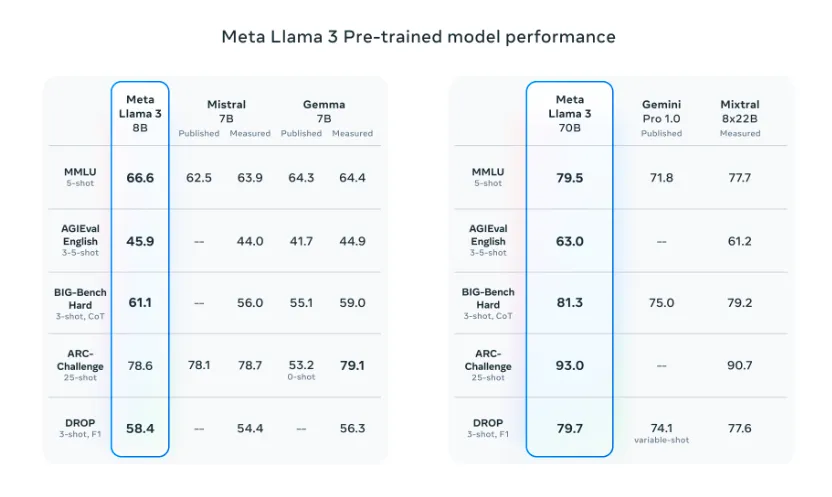
Last year, we open sourced Llama 2, and this year we released the Meta Llama 3 family of models, available in both 8B and 70B pretrained and instruction-tuned versions to support a wide range of applications, unlocking the power of these large language models, and making them accessible to everyone, so you can experiment, innovate, and scale your ideas responsibly.
Setup
With a Linux setup having a GPU with a minimum of 16GB VRAM, you should be able to load the 8B Llama models in fp16 locally. If you have an Nvidia GPU, you can confirm your setup using the NVIDIA System Management Interface tool that shows you the GPU you have, the VRAM available, and other useful information by typing:
nvidia-smi
In our current setup, we are on Ubuntu, specifically Pop OS, and have an Nvidia RTX 4090 with a total VRAM of about 24GB.
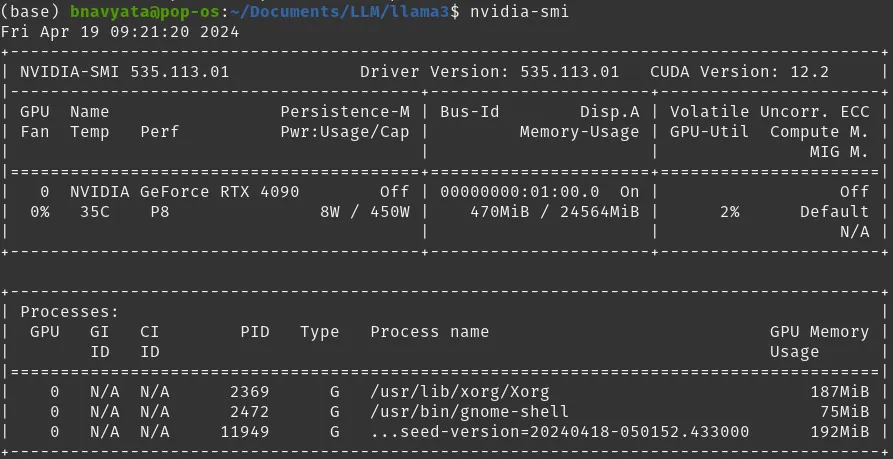
Terminal with nvidia-smi showing NVIDIA GPU Configuration
Getting the weights
To download the weights, go to the Llama website. Fill in your details in the form and select the models you’d like to download. In our case, we will download the Llama 3 models.
![Meta Llama model access with Meta Llama 3 and Meta Llama Guard 2 selected] Select Meta Llama 3 and Meta Llama Guard 2 on the download page](https://lookaside.fbsbx.com/elementpath/media/?media_id=430455546285307&version=1777063203&transcode_extension=webp)
Select Llama 3 and Llama Guard 2 on the download page
Read and agree to the license agreement, then click Accept and continue. You will see a unique URL on the website. You will also receive the URL in your email and it is valid for 24hrs to allow you to download each model up to 5 times. You can always request a new URL.
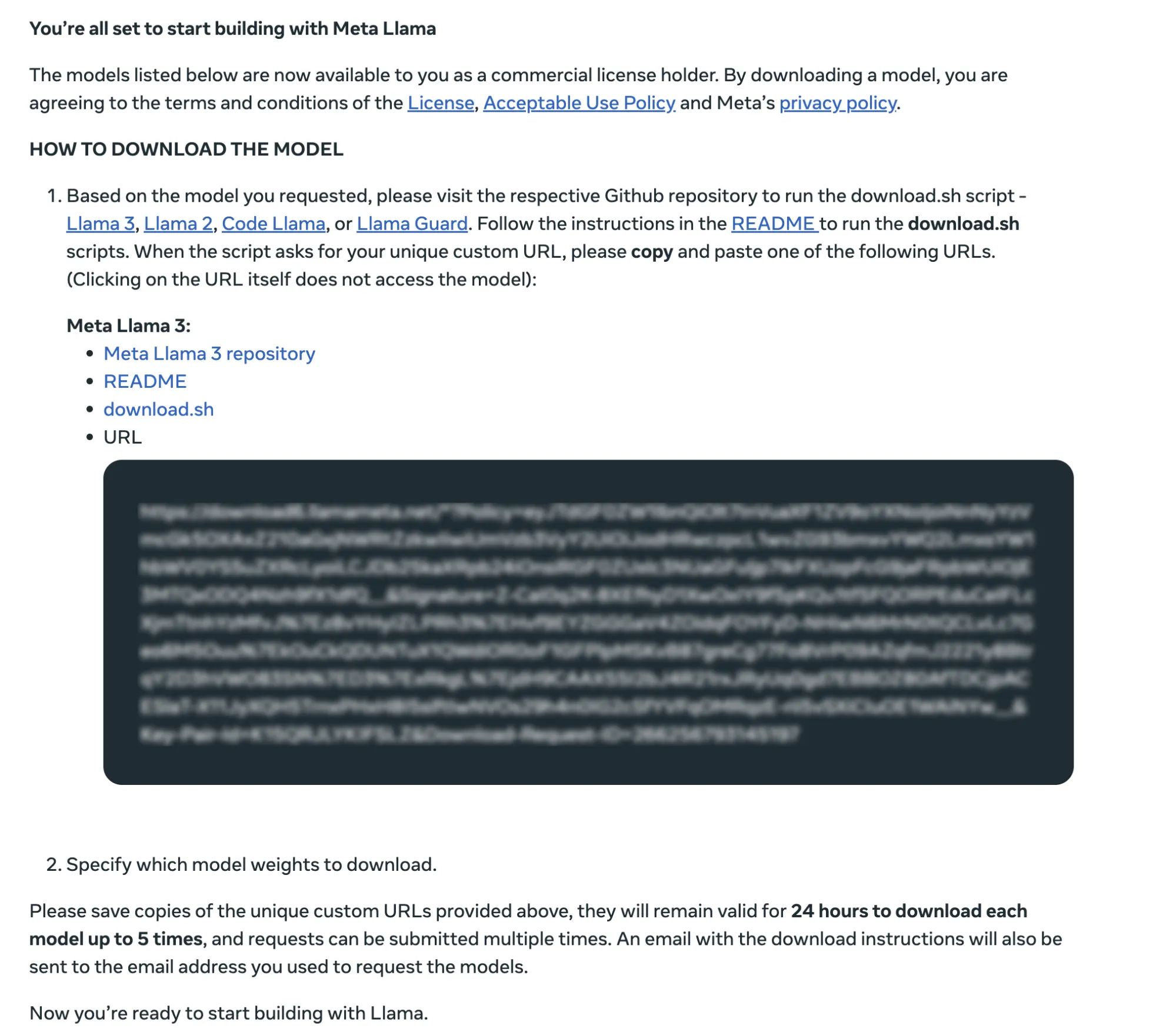
Download page with unique pre-signed URL
We are now ready to get the weights and run the model locally on our machine. It is recommended to use a Python virtual environment for running this demo. In this demo, we are using Miniconda, but you can use any virtual environment of your choice.
Open your terminal, and make a new folder called llama3-demo in your workspace. Navigate to the new folder and clone the Llama repo:
For this demo, we’ll need two prerequisites installed: wget and md5sum. To confirm if your distribution has these, use:
which should return the installed versions. If your distribution does not have these, you can install them using
To make sure we have all the package dependencies installed, while in the newly cloned repo folder, type:
We are now all set to download the model weights for our local setup. Our team has created a helper script to make it easy to download the model weights. In your terminal, type:
The script will ask for the URL from your email. Paste in the URL you received from Meta. It will then ask you to enter the list of models to download. For our example, we’ll download the 8B pretrained model and the fine-tuned 8B chat models. So we’ll enter “8B,8B-instruct”.
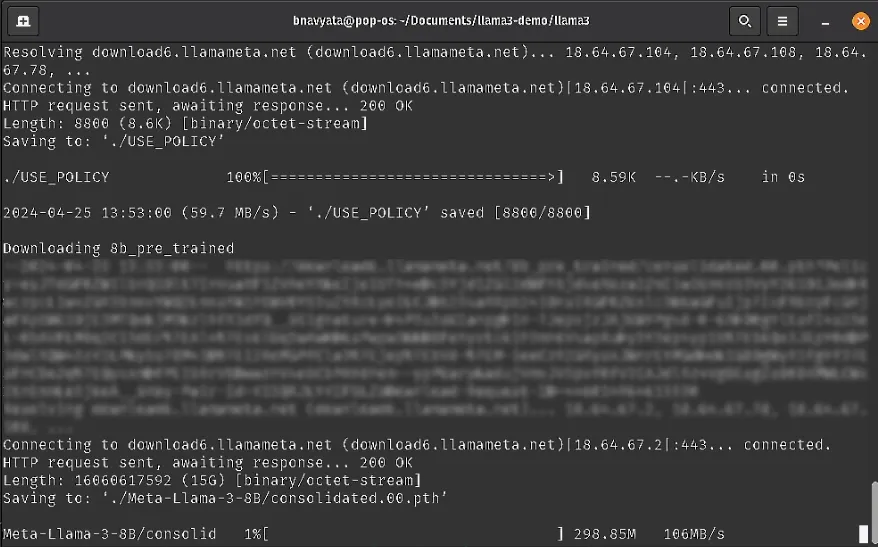
Downloading the 8B models
The main function builds an instance of the Llama class, using the provided arguments, then defines a list of prompts for which the model will use generator.text_completion method to generate the completions.
To run the script, go back to our terminal, and while in the llama3 repo, type:
Replace Meta-Llama-3-8B/ with the path to your checkpoint directory and tokenizer.model with the path to your tokenizer model. If you run it from this main directory, the path may not need to change.
Set the –nproc_per_node to the MP value for the model you are using. For 8B models, the value is set to 1.
Adjust the max_seq_len and max_batch_size parameters as needed. We have set them to 128 and 4 respectively.
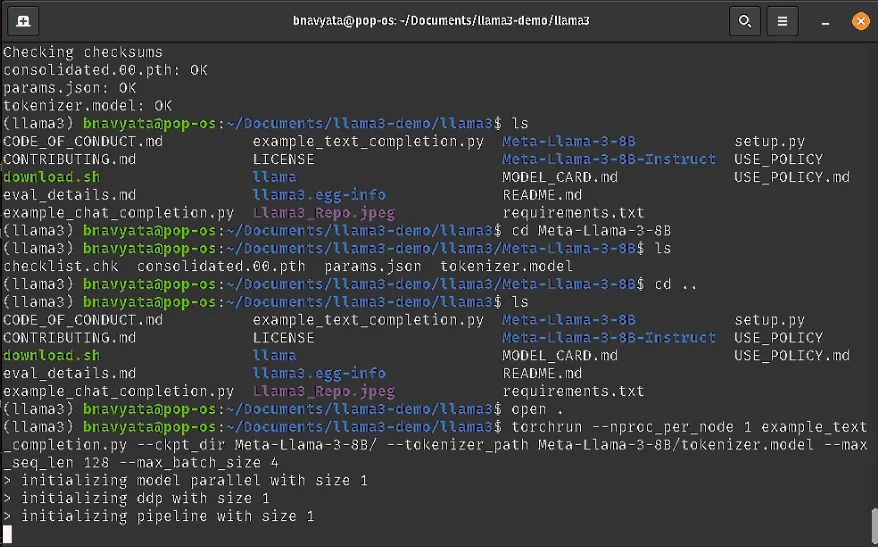
Running the 8B model on the example text completion script
To try out the fine-tuned chat model (8B-instruct), we have a similar example called example_chat_completion.py.
Note that in this case, we use the Meta-Llama-3-8B-Instruct/ model and provide the correct tokenizer under the instruct model folder.
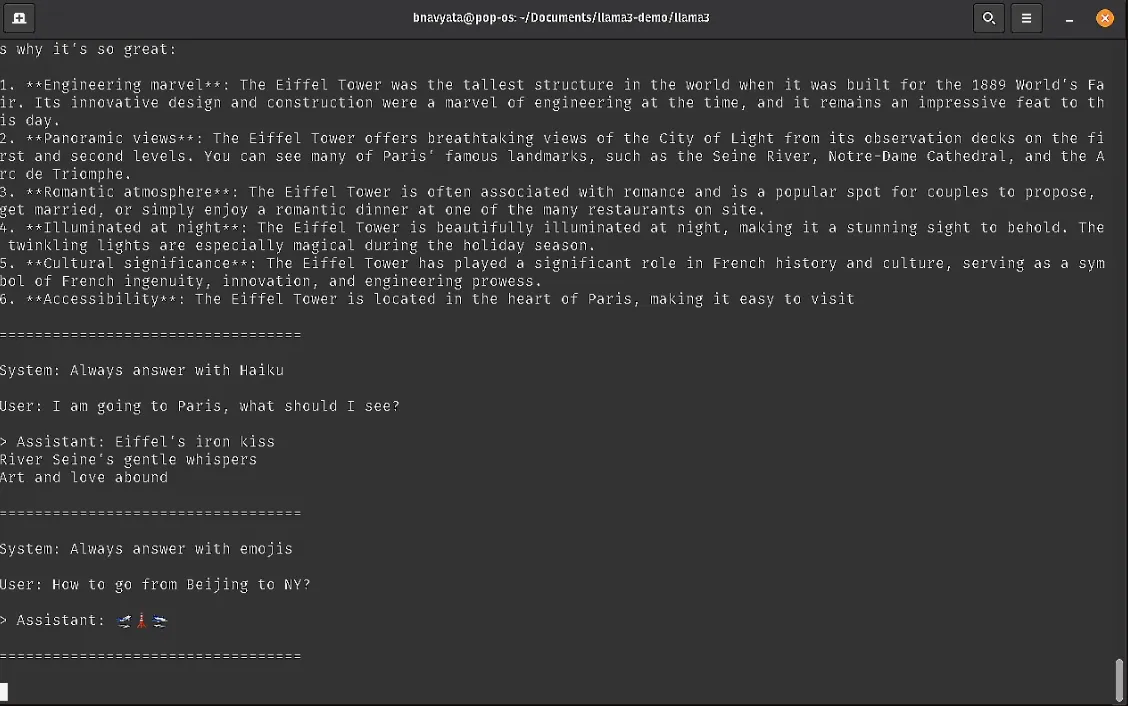
Running the 8B Instruct model on the example chat completion script
A detailed step-by-step process to run on this setup, as well as all the helper and example scripts can be found on our Llama3 GitHub repo, which goes over the process of downloading and quick-start, as well as examples for inference.